How to Learn Coding with ChatGPT Without Copying Answers
ChatGPT can shorten the feedback loop, but only if you use it after you try, run, and inspect your own code.

The best way to learn coding with ChatGPT is not to ask for the answer first. Try the problem, run your code, collect the error or output, then use ChatGPT as a reviewer. Skill grows when you inspect and fix your own code, not when you paste a finished solution.
That means the useful loop is: describe the problem, make your attempt, run it, read the error, ask for feedback, revise, and run it again. In this guide, we will turn that into the 10-1-1-1 loop: try for 10 minutes, run the code at least once, ask one focused question, then solve the same problem once without AI. The weak loop is much shorter: ask for the final code and paste it. It feels fast today, but it leaves you stuck on the next similar problem.
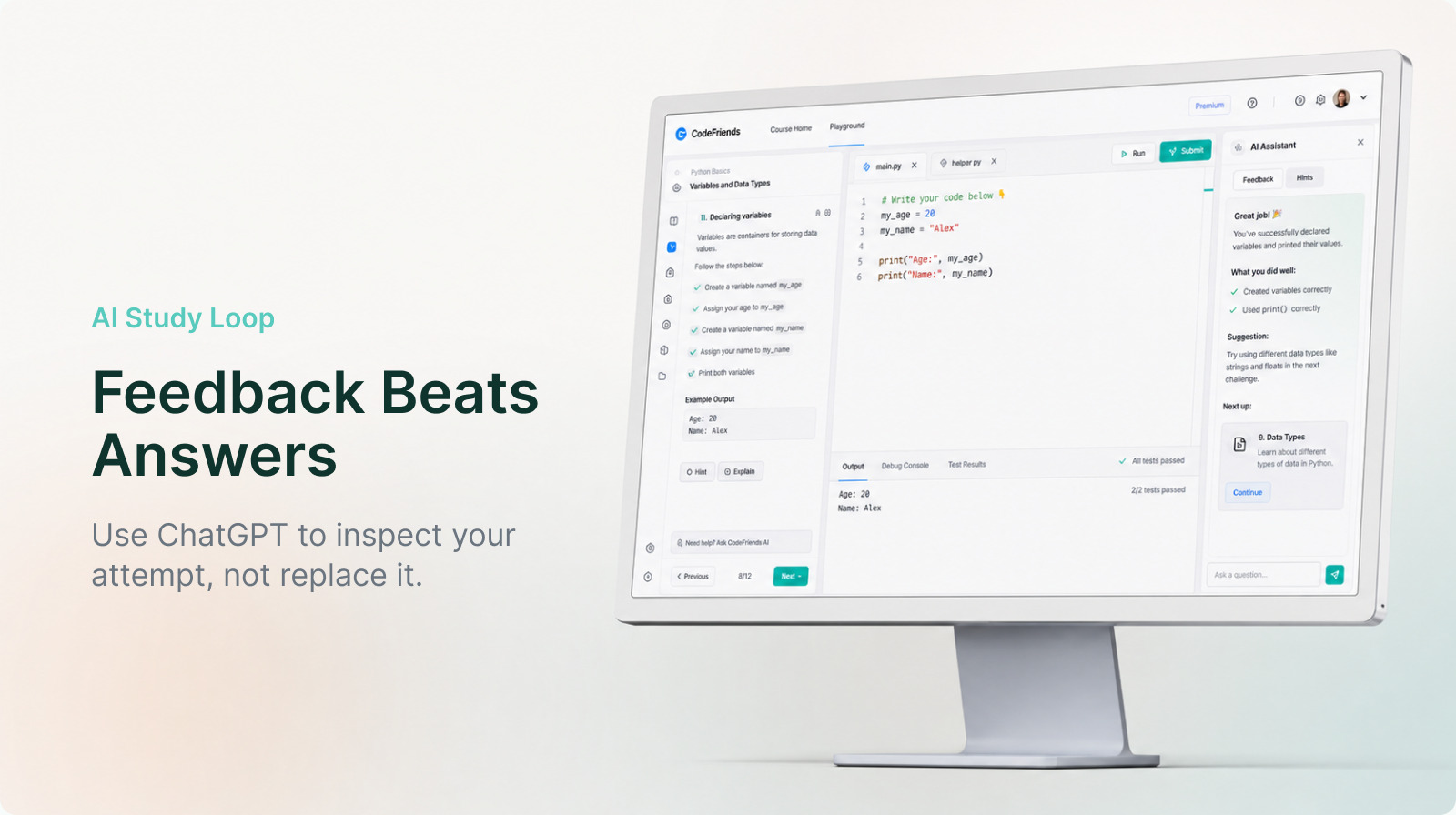
The short answer: use ChatGPT as a code reviewer, not an answer sheet
The most common beginner mistake is asking, "Solve this for me." It works in the narrowest sense because ChatGPT usually returns code immediately. But it is weak for learning because you have no attempt to compare against. Without your own attempt, you cannot tell which part of the AI answer is essential, optional, or risky.
A stronger question is, "Here is what I tried. Why does it fail?" That question includes your code, your output, and your current understanding. ChatGPT becomes a reviewer instead of an answer sheet. In a browser-based practice environment like CodeFriends, you can run the code first, capture the error, then ask for feedback while the problem is still fresh.
The difference looks small in one session. After a month, it is not small. The learner who collected answers waits for another answer. The learner who collected reviews starts reading the error message first.
ChatGPT habits that do not build coding skill
Weak ChatGPT habits usually have the same pattern: the model thinks before the learner does.
| Habit | What you get immediately | What you lose |
|---|---|---|
| Asking for the full solution first | Finished-looking code | Practice breaking down the problem |
| Pasting a whole erroring file into AI | A plausible fix | Skill reading the actual error |
| Trusting AI output without running it | A sense of speed | Verification habits |
| Copying code without reading the explanation | A result | The concept you need next time |
The dangerous part is not that ChatGPT can be wrong. The dangerous part is that it can be wrong in a very fluent voice. Beginners often cannot recognize a plausible answer that uses a nonexistent method, skips an edge case, or solves a slightly different problem.
For example, imagine you ask how to remove duplicates from a Python list and receive this:
numbers = [1, 2, 2, 3, 3]
result = numbers.remove_duplicates()
print(result)
It reads naturally, but Python lists do not have a remove_duplicates() method. The code fails. If your only habit is "fix this," you may eventually get working code, but the lesson is thin. The real lesson is why that method does not exist and what flow would solve the problem.
For beginners, a more useful version is code you can read line by line:
numbers = [1, 2, 2, 3, 3]
result = []

for number in numbers:
    if number not in result:
        result.append(number)

print(result)  # [1, 2, 3]
This code teaches a real idea. It checks whether result already contains the number, then adds it only when it is missing. The ChatGPT question changes too. Instead of asking for the final code, you can ask, "Can you show why if number not in result prevents duplicates with this exact list?" That question builds skill.
ChatGPT habits that do build coding skill
Strong ChatGPT use leaves a trace of your thinking before the AI responds. You read the problem, split it into small parts, write something, and run it. Being wrong is fine. The wrong code and the error message are exactly what make the feedback useful.
A useful study prompt often looks like this:
I am trying to remove duplicates from a Python list.
Here is my code, and it raises AttributeError.
Do not give me the final answer immediately.
Explain which concept I misunderstood, then give me two hints so I can fix it myself.
This prompt includes four things: the goal, your code, the result, and the kind of feedback you want. The answer is likely to be better, but the more important part is that you clarified the problem yourself. That clarification is already practice.
In CodeFriends, the loop can stay simple. Write the code in the editor, press run, look at the output, then ask for a review. After the AI response, run the revised code again. The goal is not to receive perfect code in one shot. The goal is to narrow the gap one run at a time.
The 10-1-1-1 loop for beginners
You can keep ChatGPT open while studying, but fix the order. The name is simple: 10 minutes, one run, one question, one retry.
- Try for 10 minutes. Rewrite the problem in one sentence, write one input and one expected output, then code.
- Run the code at least once. Whether it works or fails, collect the real output or error.
- Ask one focused question. Do not ask for the whole solution. Ask why the error happened or which concept you missed.
- Move line by line from the feedback into your code. Do not paste the whole answer.
- Solve the same problem once without AI. If you cannot, the concept is not yours yet.
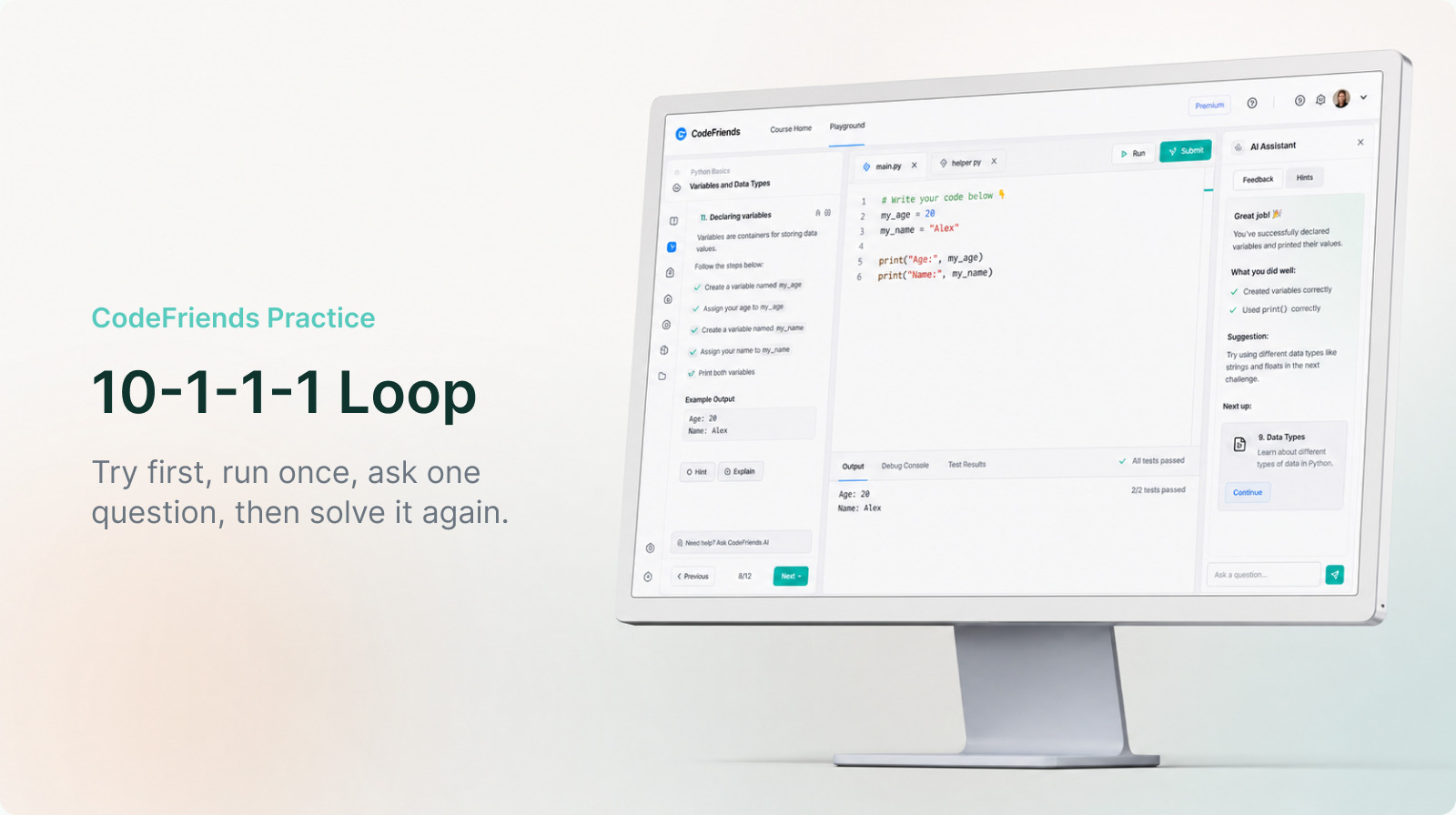
The first 10 minutes matter most. You do not need to struggle for hours. What matters is that your brain touched the problem before AI did. That makes the explanation stick.
As we covered in Should you still learn to code in the AI era?, coding skill is shifting toward judgment. Judgment comes faster from repairing your own failed attempt than from reading a stack of finished solutions.
Good prompts and weak prompts
You do not need elaborate prompt engineering. For learning, the most useful constraint is often simple: do not give me the final answer yet.
| Situation | Weak prompt | Strong prompt |
|---|---|---|
| Starting a problem | Write the code for this | Give me two hints for the approach |
| Hitting an error | Fix this code | Explain why this error happens and point to the line I should inspect |
| Code runs | Make this better | Review one strength and two improvements in my code |
| Concept is unclear | Explain loops | Use my code to show how many times this loop runs |
Strong prompts can feel slower. In practice, they are faster because the goal is not just this one answer. The goal is needing less help on the next similar problem.
This is also where AI literacy for coding beginners matters. AI often sounds certain, but certainty is not correctness. Asking well helps. Verifying matters more.
How to apply this in CodeFriends
CodeFriends is useful for this workflow because you can run code in the browser without installing a local environment first. When you study with ChatGPT, use that loop directly. Before asking for a long explanation, run the code and collect real output. Your question changes from "teach me this" to "why did this input produce this output?"
If you are using the Python basics course, try each variable or loop exercise yourself first. When it fails, read the error and ask ChatGPT to explain the missed concept instead of asking for the completed answer. If you are learning to build web pages, the web basics course works the same way with HTML, CSS, and JavaScript.
This is not slow learning. Copying ten answers can look productive, but repairing one real mistake teaches more. Beginners grow fastest when they can get unstuck, not when they can collect polished snippets. CodeFriends shortens the loop because the editor, run result, error, and AI feedback stay close together.
A checklist for your next ChatGPT study session
Before using ChatGPT as a coding tutor, check these five things.
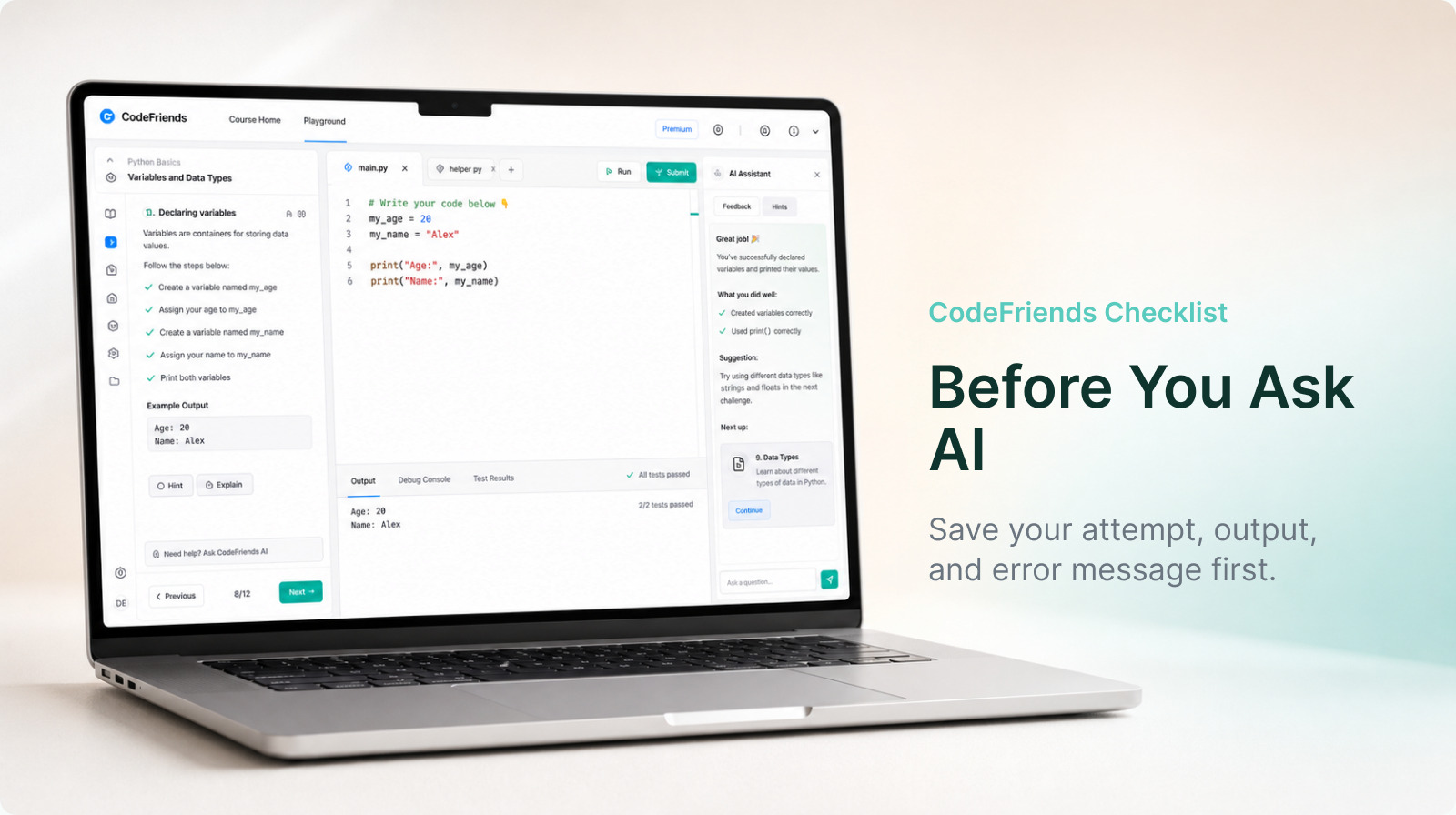
- Did I try for 10 minutes before asking for the answer?
- Did I run the code at least once and collect the output or error?
- Did I ask one focused question instead of asking for the full solution?
- Did I understand each line before copying it?
- Did I retry the same problem once without AI?
Follow this checklist and ChatGPT becomes a training partner instead of a shortcut. AI can write code, but the habit of breaking down a problem and verifying the result still belongs to you.
Frequently asked questions
Does learning coding with ChatGPT make beginners weaker?
Not automatically. It depends on the workflow. If you copy finished code, very little sticks. If you try first, run the code, share the error, and ask for review, ChatGPT can shorten the feedback loop and help you improve faster.
What should beginners ask ChatGPT while coding?
Ask for hints, explanations of errors, and code review before asking for a finished solution. A prompt like "Do not give me the final answer yet. Explain the concept I missed and give me two hints" protects the learning part of the work.
How do I know whether ChatGPT's code is correct?
Run it, change the inputs, and compare the output with what you expected. No error does not always mean correct. You should be able to explain what each important line does before treating the code as yours.